Your salon in the browser. Apps as an extra.
The web dashboard is the complete Lookster product: open your browser on any device and your calendar, clients and team are ready. Native apps add a convenient shortcut.
- Nothing to install
- Any device
- Every feature
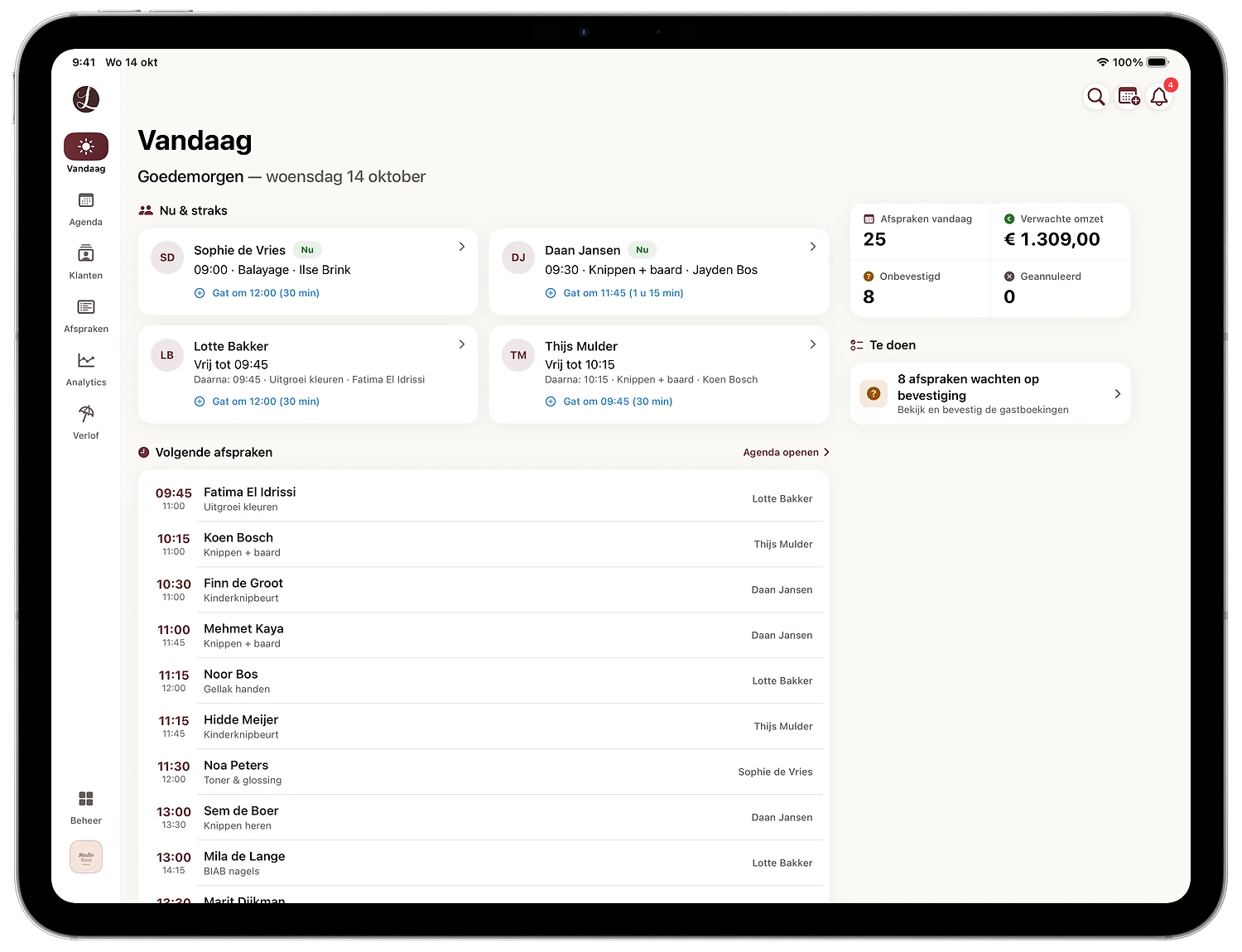
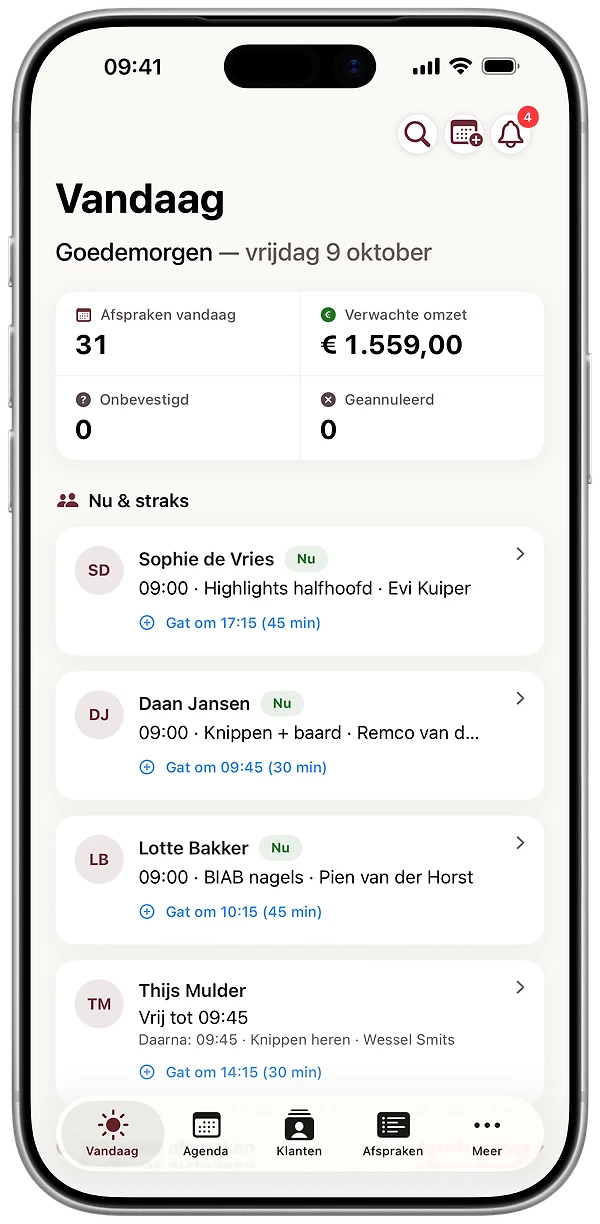
Apps for iOS, Android and Windows
Lookster Dashboard is available for iPhone, iPad and Android, and as an installer for Windows. You do not need to install anything to start: the complete dashboard works in the browser on every device, and the apps give you a faster shortcut with push notifications.
- iPhone & iPadNow in the App Store

- AndroidNow on Google Play

- WindowsVersion 1.9.1 for Windows 10 and 11 (64-bit) Download for Windows
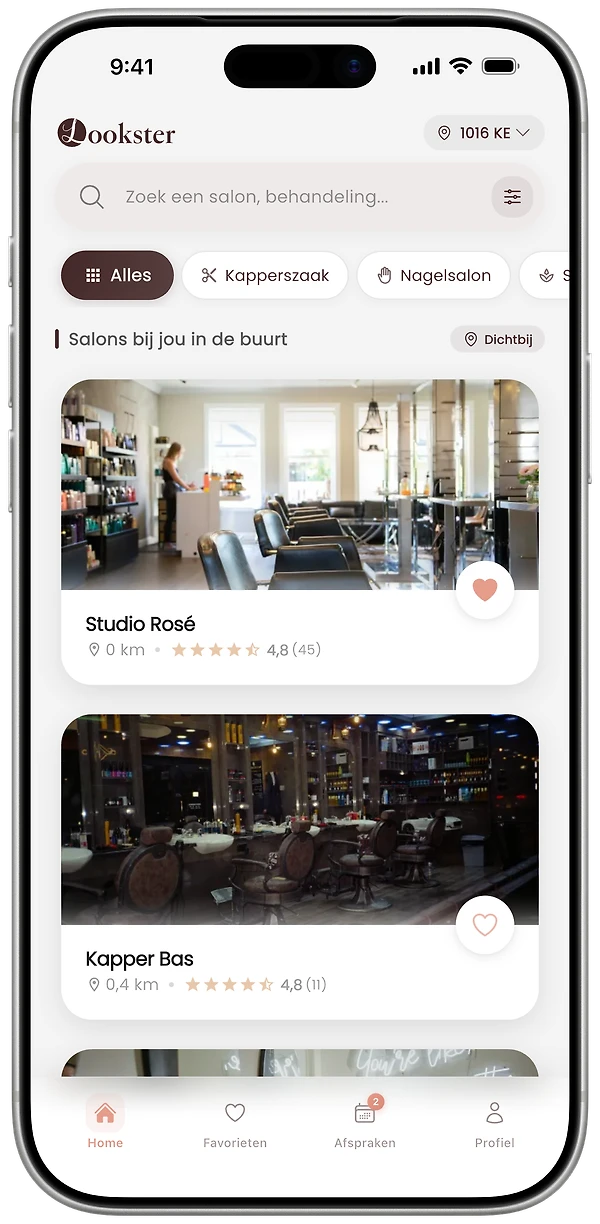
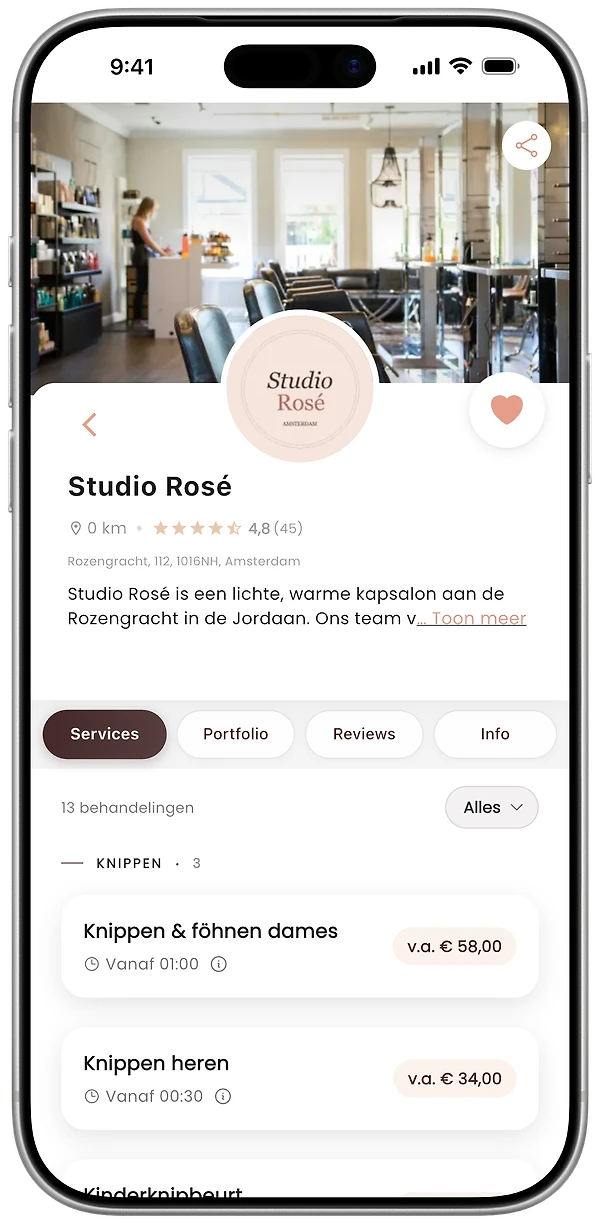
Booking through the Lookster customer app
Clients discover your salon, view your work and book an available time. We charge no commission on these bookings.
The Lookster app for customers
Frequently asked questions about the apps
Do I need an app to use Lookster?
No. The complete Lookster dashboard works in every modern browser on Windows, Android, Mac, iPhone and iPad. Native apps are convenient extras.
Is there a Lookster app for iPhone and iPad?
Yes. Lookster Dashboard is available in the App Store for iPhone and iPad. You can also sign in through the browser at any time.
Are there Android and Windows apps too?
Yes. The Android app is on Google Play, just like the iPhone and iPad app is on the App Store. The Windows app is a direct download from lookster.nl, an installer for Windows 10 and 11. The complete dashboard also works in the browser on every device.
How do I install Lookster Dashboard on Windows?
Download the installer from the apps page and open the file. If Windows shows a SmartScreen warning, choose ‘More info’ and then ‘Run anyway’. Then sign in with your regular Lookster account.
Your first booking starts with 3 months free
Create your account, set up your salon and let clients book online. No contract, cancel anytime; Lookster charges 0% commission on bookings.
3 months free · No credit card needed · 0% commission